How FlowWP Runs Your Workflows Inside WordPress
From the moment an event fires to the entry in your run history: triggers, tokens, Action Scheduler, safe retries and encrypted connections.
2 min read



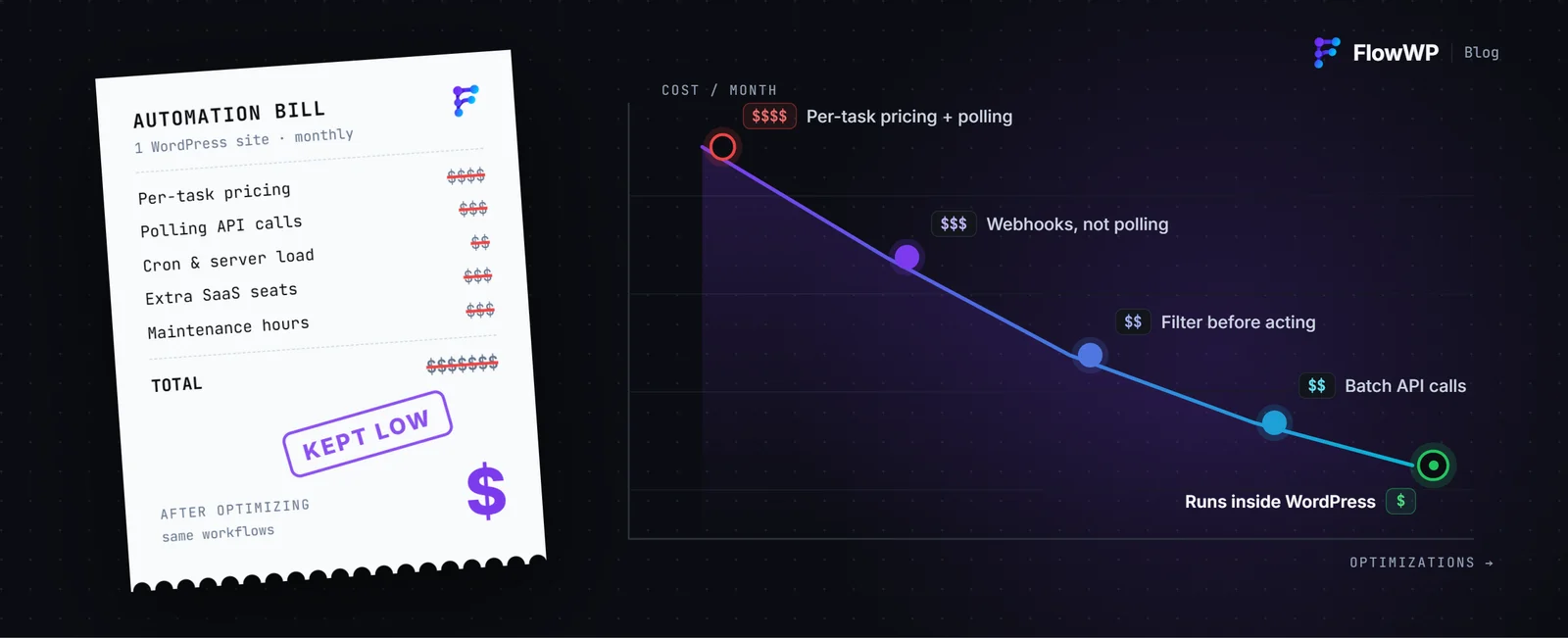
FlowWP runs inside WordPress. There is no external service in the middle and no account to create: your workflows execute on your own site, on WordPress’ own hooks. This post explains what that means in practice — from the moment an event fires to the entry that appears in your run history.
A workflow does nothing until you activate it
A new workflow is a draft. Build it, test it, change it — nothing runs until you press Activate, and deactivating it stops it immediately. Deactivating the plugin stops every workflow and changes nothing else.
Triggers listen to WordPress
Triggers are registered against the actions WordPress and your plugins already fire: a user registering, a post being published, a WooCommerce order being paid, a form being submitted. FlowWP adds steps for the plugins it finds installed, and when one is missing it says so plainly instead of hiding the steps.
Data flows through tokens
Every value an earlier step produces is available to a later one as a token — {{ trigger.order.email }}, {{ nodes.lookup.output.name }} — and formatters can shape it on the way, as in {{ trigger.order.total | currency }}. The editor has a picker for all of them.
Anything slow happens in the background
Delays, scheduled workflows and retries all go through Action Scheduler, the job queue WordPress plugins have relied on for years. A workflow that waits three days does not hold a request open, and a visitor never waits on your automation.
Every run is recorded
For each run, FlowWP records which steps ran, what each was given, what each returned, and where the run stopped if it stopped. When something goes wrong you read what happened instead of guessing.
Retries are safe by design
When a step fails, the run stops and is recorded with the step that failed and why, and you can run it again from the run history with the data it started with. Steps that would be unsafe to repeat — a sent message, a created order — are marked so the engine never retries them for you. A retry is only automatic when a step is both retryable and idempotent, because that is how one refund stays one refund.
Secrets stay on the server
API keys for services like Slack, Mailchimp or an AI provider live in an encrypted connection store. A workflow stores the connection’s id, never the key, and keys are kept out of logs and exports.
Built to be extended
Triggers, conditions and actions are all registered through a documented contract, so another plugin — or your own site’s code — can add steps that behave exactly like the built-in ones. A plain PHP function can even become a step with its own form, without writing a node class.