
Connections
Store API keys and tokens for Slack, Mailchimp, AI providers and others, encrypted, and use them in steps.
Updated
A connection holds what FlowWP needs to act on another service — an API key, a bot token, a webhook address. Add connections once under FlowWP → Connections, then choose one in any step that needs it.
Connections are part of FlowWP Pro. The free plugin from WordPress.org contacts no outside service on its own, so it has no Connections page and none of the steps that need one — unless another plugin adds its own connection type through the developer SDK. See Upgrade to FlowWP Pro.
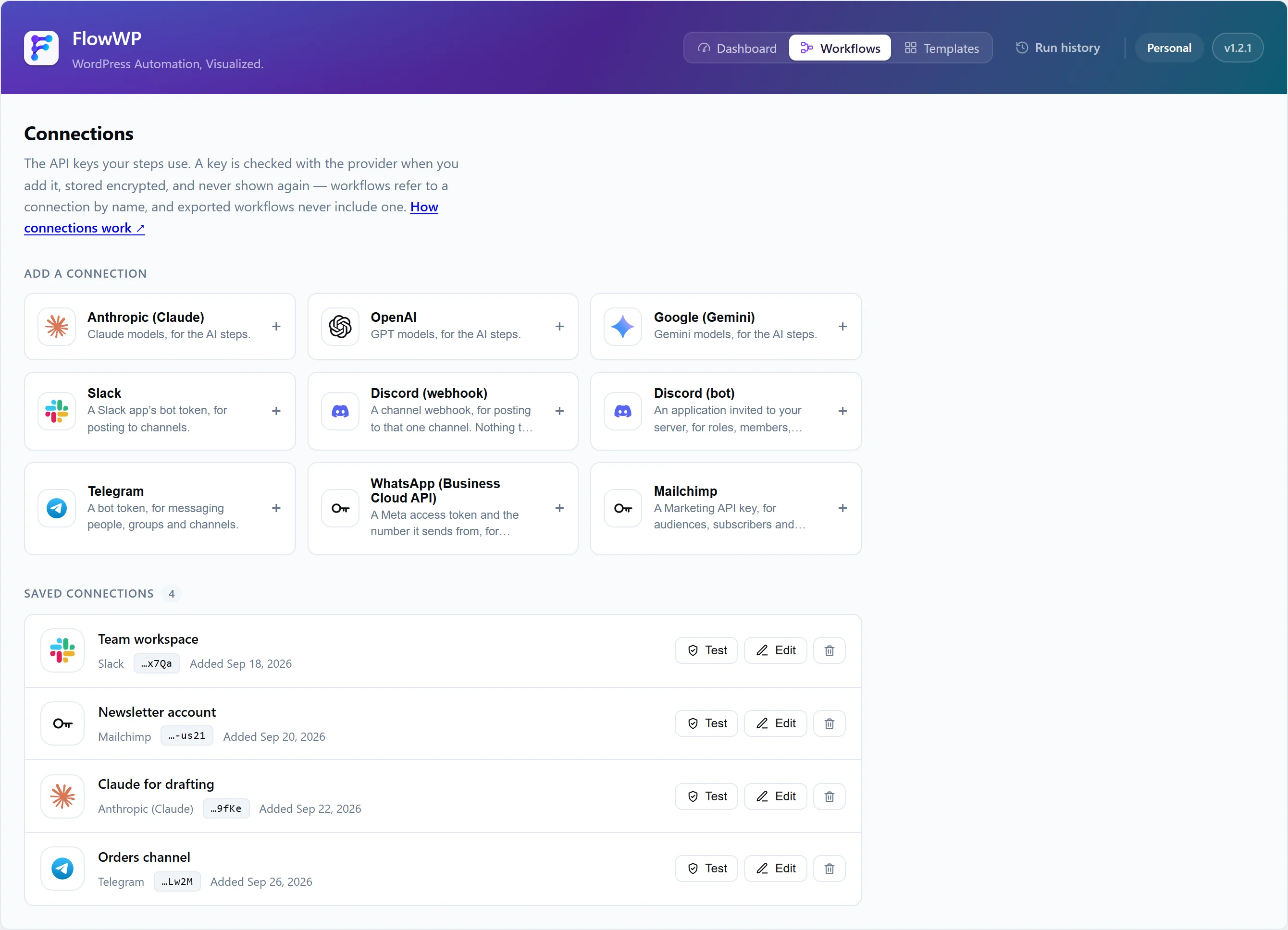
Services that use connections
| Connection | What you enter |
|---|---|
| Anthropic (Claude) | API key |
| OpenAI | API key, and optionally an organization |
| Google (Gemini) | API key |
| Slack | Bot token |
| Discord (webhook) | Webhook URL |
| Discord (bot) | Bot token and server (guild) ID |
| Telegram | Bot token |
| WhatsApp (Business Cloud API) | Access token, phone number ID and app secret |
| Mailchimp | API key |
WordPress plugins such as WooCommerce or FluentCRM need no connection: their steps run on your site. Plugins that extend FlowWP can add connection types of their own.
How connections are protected
- Encrypted at rest with your site’s keys.
- Secret fields never go back to the browser. After saving, a key is not shown again; fields that are not secret, such as a label, can be shown so you can tell connections apart.
- Workflows store the connection’s ID, never the key. Keys stay out of workflow exports, execution data and logs.
- Checked when saved where the service allows it, so a mistyped key is caught before a workflow needs it.
To keep keys readable if you rotate your WordPress salts, define FLOWWP_ENCRYPTION_KEY; see Install FlowWP.
What is sent, and when
FlowWP contacts a service only when you add a connection to it or run a step that uses it — for example, a Slack step sends your bot token and the message to Slack’s API. Each integration page says exactly what is sent to that service.
Removing a connection
Steps that used a removed connection cannot run until you choose another one. Check which workflows use a connection before removing it.