
Conditions and branching
If / Else, Only continue if and Switch, the comparisons they offer, and combining rules with AND and OR.
Updated
Conditions decide which steps run. FlowWP has three condition steps, all built on the same rules.
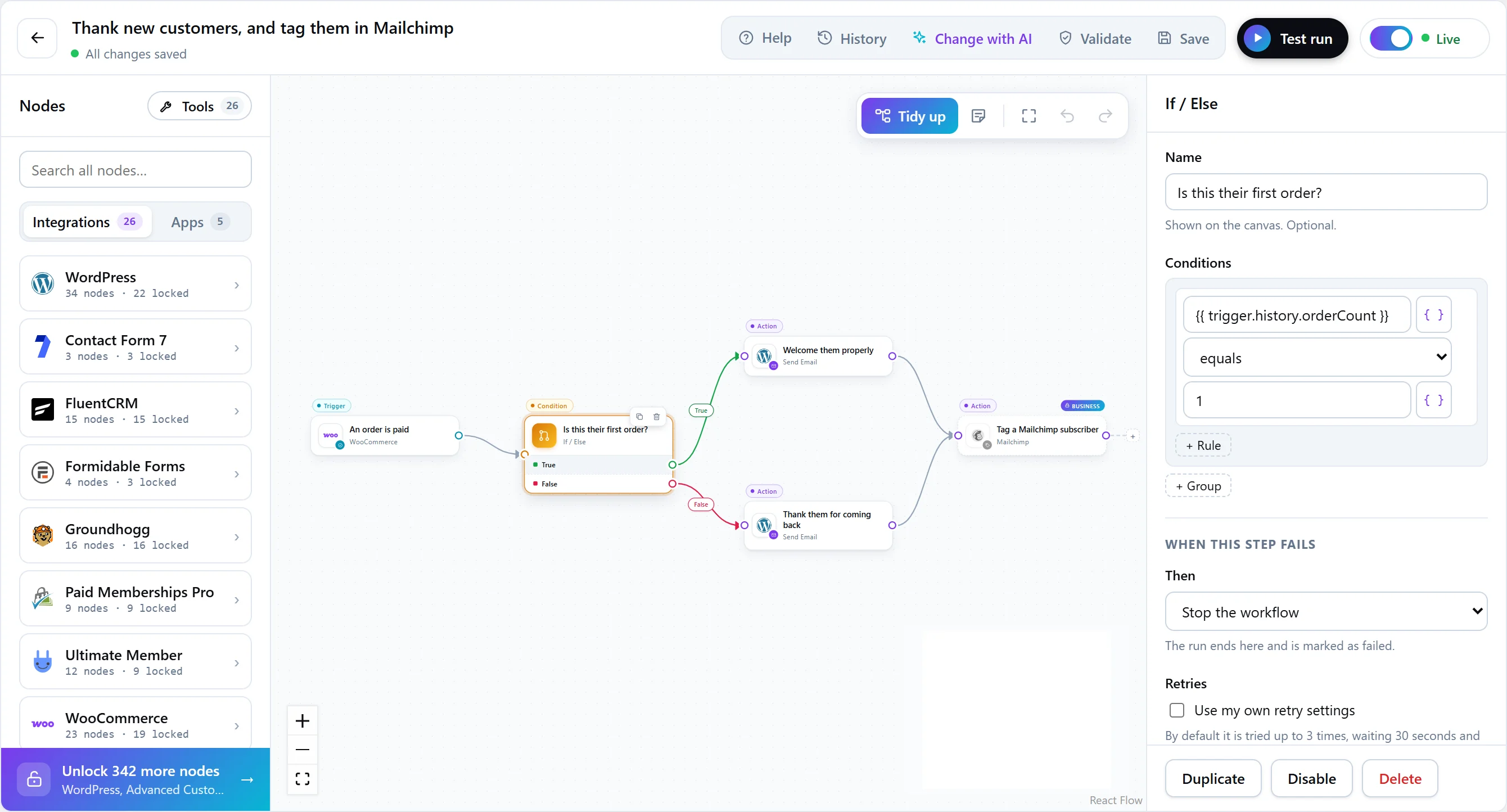
If / Else
Sends the workflow down one of two branches, True or False, depending on its conditions. Connect each output to the steps for that case; a branch can also be left empty. On every plan.
Only continue if
Stops this branch here unless the conditions are met — a filter for runs that do not qualify. Stopping this way is not a failure: the step is recorded as halted, not failed, and the run can still succeed. On every plan.
Switch
Sends the workflow down the first route whose conditions match, with an Otherwise output for everything else (Personal and above). Name each route, such as Large orders or Guest with a coupon; the name labels its output on the canvas.
With Send to set to every matching route instead of the first, a run can follow several routes at once.
Writing a rule
A rule compares a value — usually a token such as {{ trigger.order.total }} — with another value using a comparison.
| Plan | Comparisons |
|---|---|
| Every plan | is equal to, is not equal to, contains, does not contain, is greater than, is less than, is empty, is not empty |
| Personal and above | starts with, ends with, is at least, is at most, is one of, is not one of (comma-separated), is true, is false, is before (date), is after (date) |
Combining rules with AND and OR
On every plan, Free included, rules combine in groups, two levels deep: every rule in a group must pass (AND), and any group may pass (OR). That covers what people actually build:
(order is paid AND total is greater than 100) OR (customer has the VIP tag)A condition that needs a higher plan says so when you save, and the step library shows the plan that includes it.
Branches that meet again
Two branches can lead to the same step — for example, both sides of an If can end at Add a note to a donor. That step runs once, after whichever branch the run took.