
Import and export
Move workflows between sites as a file, and what is left out on the way.
Updated
Export workflows to a file to move them to another site or keep a copy, and import that file on any site running FlowWP. Import and export are on the Personal plan and above.
Export
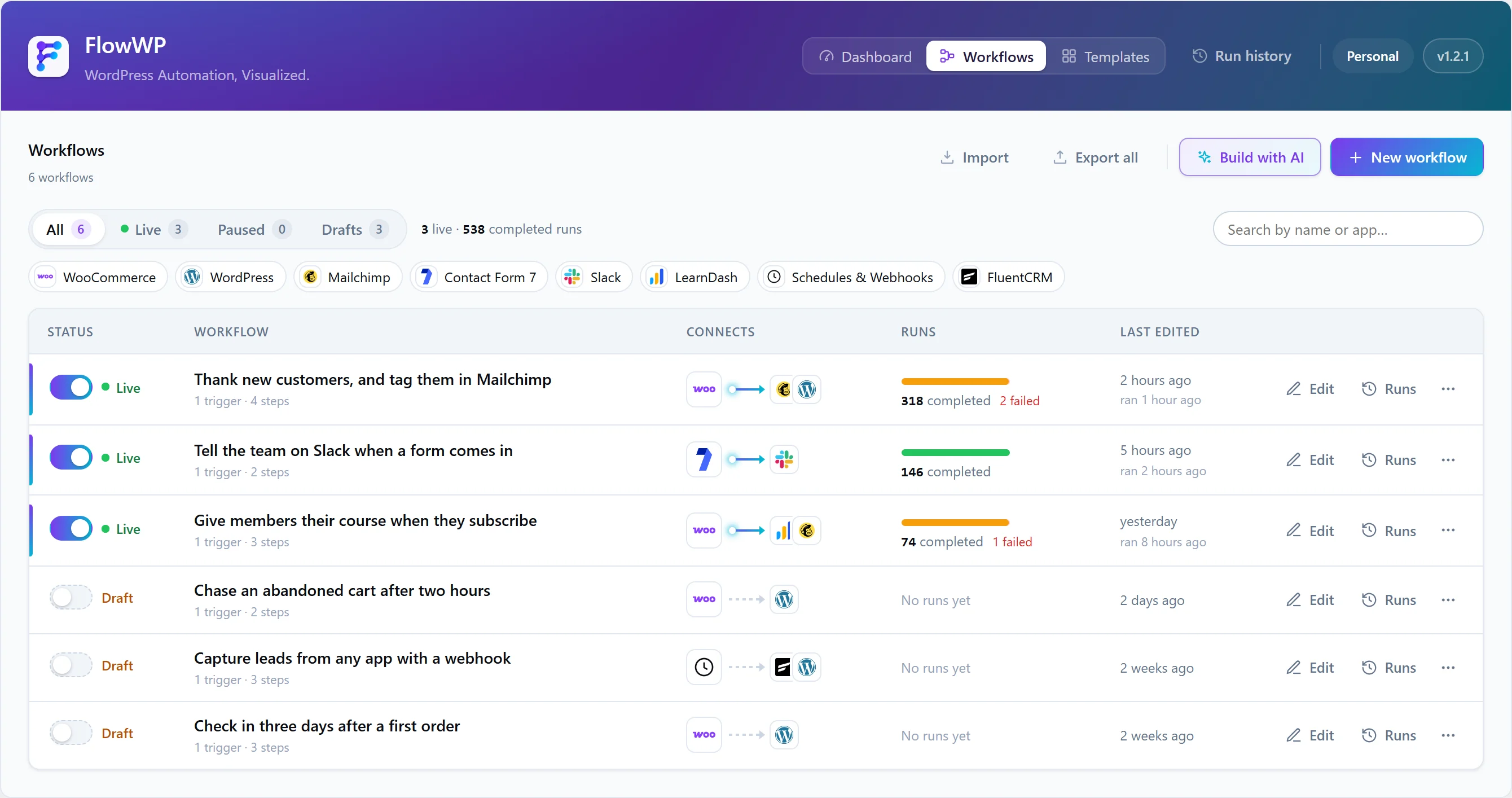
Export one or more workflows from the workflow list. The file is JSON, and each workflow is exactly what the editor saves: its name, description and steps.
What is left out
An export is a file people email, so it is cleaned first:
- A webhook trigger’s key and secret — the importing site makes its own, so one site’s webhook URL is never handed to another.
- A file-import trigger’s uploaded file.
- Any setting whose name says it is secret — password, token, API key, secret, credential, cookie, authorization — unless its value is a token.
- In HTTP Request steps, the values of authorization, API key, token, secret and cookie headers, and query parameters with those names.
Connections are never exported: a workflow refers to a connection by ID. FlowWP lists what it left out, so you know what to re-enter.
Import
- Choose Import in the workflow list and select the file.
- Read the preview. For each workflow it says what needs attention on this site: a step whose plugin is missing, one a higher plan includes, anything activation would refuse.
- Import. Every workflow arrives as an inactive draft, so nothing runs by surprise. A workflow whose name is already used gets “(imported)” added.
- Choose this site’s connections in the steps that need them, fill in anything left out, then test and activate.
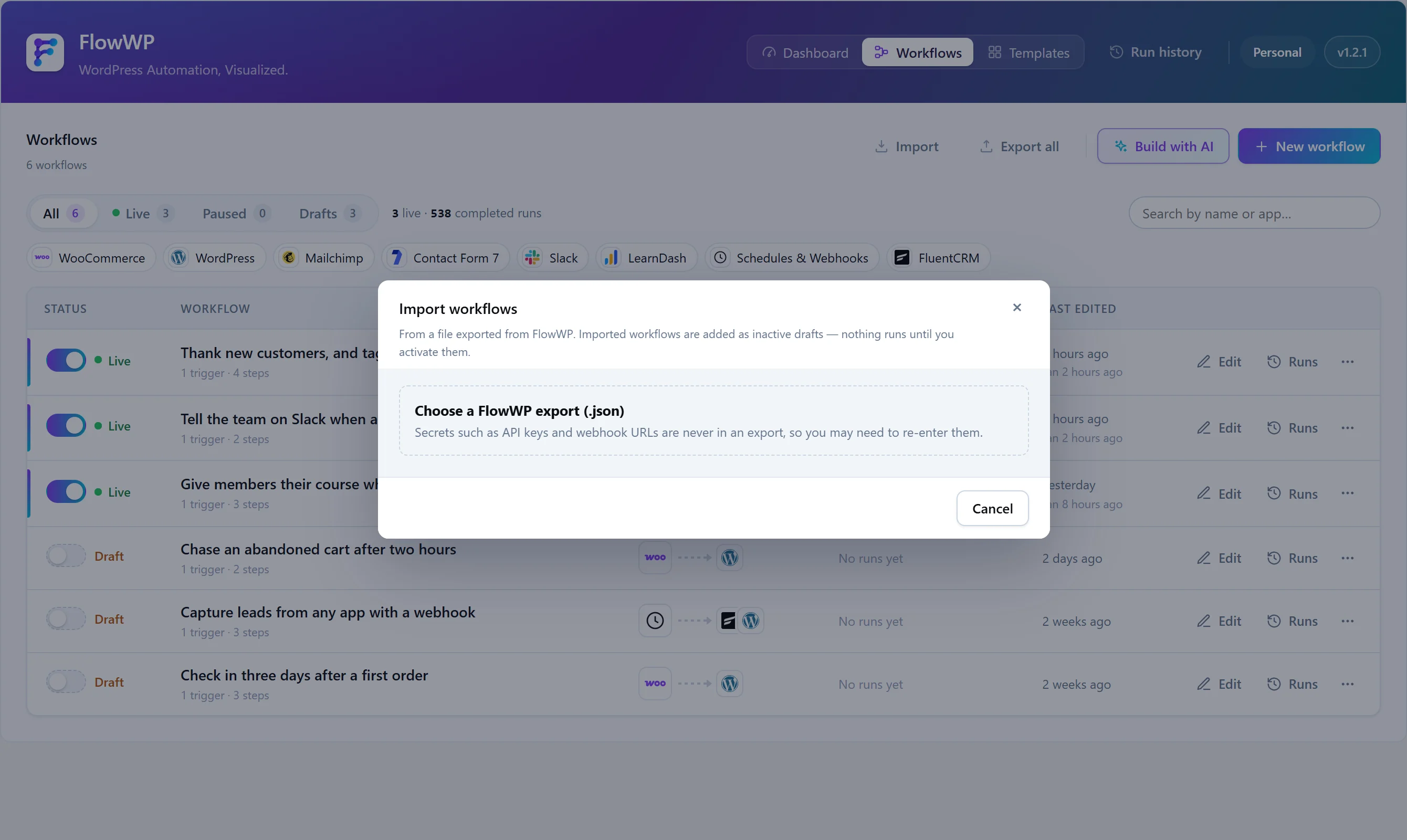
Imports are cleaned again on the way in, because a file from somewhere else can hold anything.